

Design a hiring workflow your candidates can see
A clear, visible hiring process helps candidates prepare and saves your team a lot of "any update?" emails. How to design the stages, and how workflows work in Cortopus.
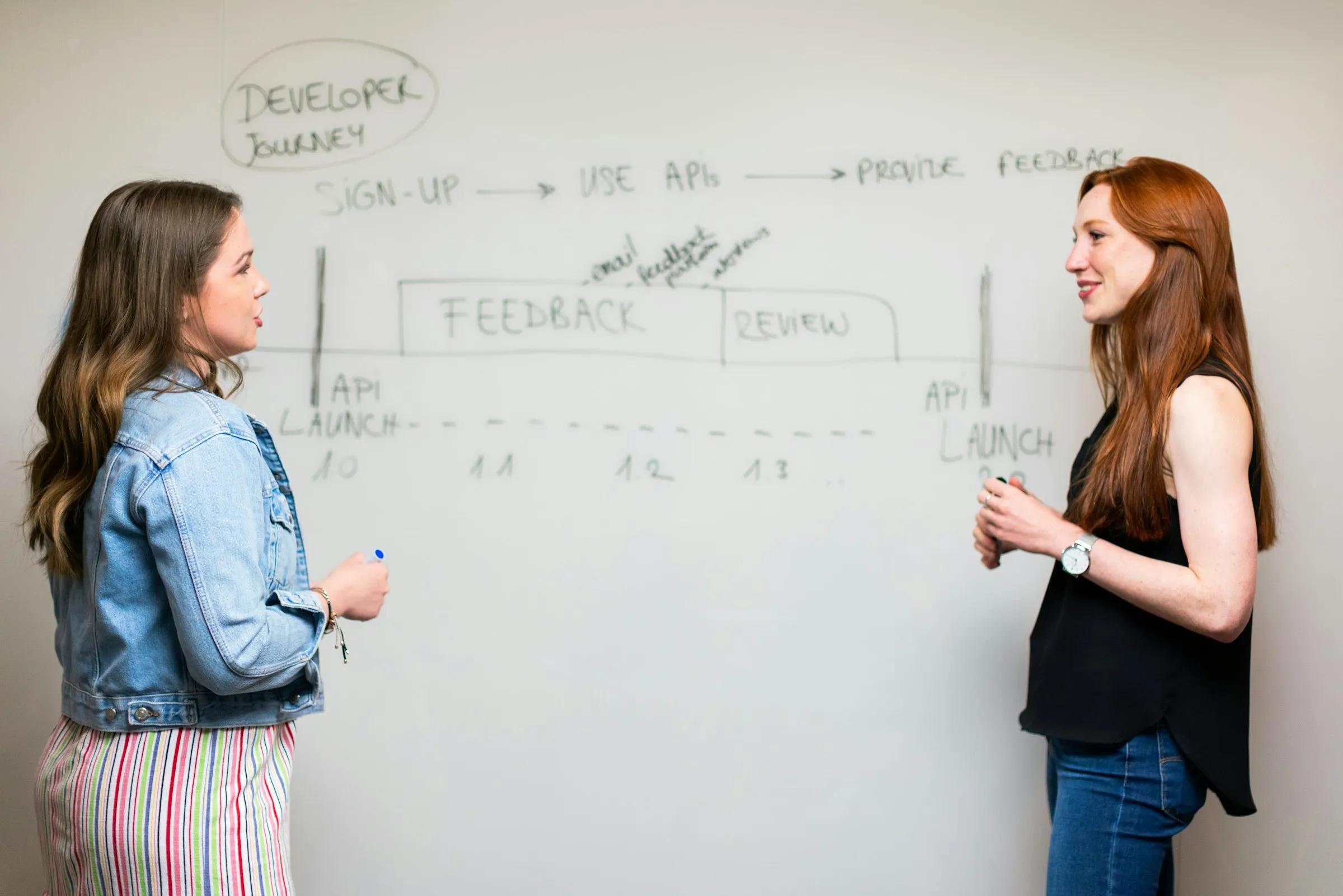
Most hiring teams have a process, even if it only lives in someone’s head: a CV review, a first call, a technical interview, maybe an assignment, a final conversation, an offer. Candidates, meanwhile, usually have to guess it. They don’t know how many steps are left, what each one is for, or whether silence means no.
Writing the process down, and showing it to candidates upfront, is one of the cheapest improvements a team can make.
Why show the process
- Candidates prepare for the right thing. Knowing there’s a home assignment after the technical interview changes how someone plans their week.
- Fewer status emails. When candidates can see where they are, they don’t have to ask.
- Your team stays consistent. A written process is applied the same way to every candidate, which is fairer and easier to improve.
Designing the stages
- Name each stage after what happens in it: CV Review, Phone Screening, Technical Interview, Home Assignment, Final Interview, Offer. Candidates understand these names without explanation.
- Keep it as short as it can be. Every stage should answer a question the previous ones didn’t. If two stages test the same thing, merge them.
- Give every stage an owner and a decision. Someone is responsible for moving each candidate forward, or letting them know it’s a no.
- Decide how candidates hear back. A calm, clear closing message is part of the process too.
Change it without breaking it
Processes evolve: you add a stage for a senior role, or rename one that confused candidates. Make sure candidates already in the process see the change instead of a stale version.
How workflows work in Cortopus
- Every job has a workflow you edit like a list: rename a stage (candidates see the new name), add stages (candidates already in the process get them as upcoming), remove stages nobody is in.
- The job page shows the stages upfront. Share the job’s link, and candidates see the whole process before they apply.
- The pipeline has a column per stage. Drag a candidate to the next one, or move them from the application page. Candidates see their journey move, and are notified.
- Each stage can carry a reply target, in working days (leave it empty for none). Candidates see the date they can expect to hear back, and your team is warned before it passes.
- Everyone knows whose move it is. Your side shows Your move · Decide the next step or Waiting for candidate; theirs shows what to do next, or that they’re waiting for you.
 Written by the Cortopus team. Found something unclear or out of date? Tell us.